
How to Pack a Television
Executive Summary
Moving a television safely is a handling and transport process aimed at protecting a large electronic display device from physical impact and internal component damage. Modern TVs have thin screens, sensitive panels, and fragile internal electronics that can be affected by pressure, vibration, or incorrect positioning. The information is most relevant for households, individuals, and moving professionals responsible for relocating television equipment.
Why Modern Flat-Screen Televisions Are Highly Vulnerable During Relocation
For the modern professional, the television is often the centerpiece of the home. It’s where you catch up on global news before work, unwind with a series after a long commute, or host movie nights with friends. Today’s televisions—whether sleek OLEDs or massive 4K displays—are marvels of technology, but they are also incredibly fragile. Thin screens and complex internal electronics make them notoriously difficult to move safely.
The thought of unpacking your TV in your new apartment only to find a cracked screen or dead pixels is a nightmare scenario. Unlike a sturdy wooden table, a TV has zero tolerance for impact.
This guide provides a professional, streamlined method for packing your television. By adhering to these steps, you can ensure your entertainment hub survives the journey across the city or across the ocean, arriving ready to broadcast clearly in your new living room.
The Gold Standard: Original Packaging
The Step: Use original packing if available & refer to the owner’s manual for instructions.
Before you buy a single roll of bubble wrap, check your storage. The box your TV came in was engineered by the manufacturer specifically to protect that exact model during shipping. It has custom-molded foam inserts that cradle the screen perfectly. If you have it, use it—it is the safest way to move a TV. If you don't, don't worry; the following steps will help you create a secure alternative.
Step-by-Step Packing Guide
Follow these steps to build a protective environment for your television.
1. Disconnect and Organize
The Step: Disconnect cords. Don’t forget to pack the remote & cables along with the TV.
Start by unplugging the TV and disconnecting all HDMI, optical, and power cables. Do not just throw them in a random box. Coil them neatly and secure them with twist ties or velcro straps. Place the cables and the remote control in a labeled Ziploc bag. You can tape this bag to the back of the TV (avoiding vents) or pack it inside the TV box so everything stays together.
2. Surface Protection
The Step: If original packing is not available, first wrap with polythene to protect from dust/scratches.
The screen is the most vulnerable part of the device. Wrap the entire television in a layer of polythene sheeting or a soft, anti-static foam sheet. This prevents dust from getting into the vents and protects the delicate screen surface from scratches caused by coarser packing materials.
3. Impact Cushioning
The Step: Wrap with bubble wrap for cushioning.
Once the surface is shielded, apply a generous layer of bubble wrap around the entire unit. Focus heavily on the corners and the screen face. This layer acts as a shock absorber, dampening the vibrations from the moving truck and protecting against minor bumps. Secure the bubble wrap with packing tape, ensuring the tape adheres to the wrap and not the TV itself.
4. Rigid Reinforcement
The Step: Wrap with corrugated rolls or sheets for added protection.
Bubble wrap is soft, so you need a hard outer shell to prevent puncture damage. Wrap the bubble-wrapped TV in corrugated cardboard rolls or sheets. If you are improvising a box, you can sandwich the TV between two large pieces of sturdy cardboard and tape them firmly together. This adds structural integrity to the package.
5. Boxing It Up
The Step: Finally, place the TV in a strong carton.
Carefully slide the wrapped television into a heavy-duty, double-walled telescoping box (often sold as "TV Moving Boxes"). Do not force it. If there is extra space inside the box, fill it with packing peanuts, crumpled paper, or soft linens to prevent the TV from shifting or sliding during transit.
6. Moisture Defense (For Storage/Shipping)
The Step: Silica gel should be used to prevent moisture.
Electronics hate humidity. If your move involves a long voyage or if the TV will be stored for any period, moisture can corrode internal circuits. Toss a few silica gel packets into the box before sealing it. This small addition keeps the internal environment dry and safe.
7. Seal and Secure
The Step: Secure cartons with tape. Secure with twine or straps for larger TV.
Seal the box completely with high-quality packing tape. For larger televisions (50 inches and up), the box will be heavy and awkward to carry. Secure the exterior with strong twine or plastic moving straps. This keeps the box intact and provides movers with safer lifting points.
8. Communicate with Labels
The Step: Mark package with glass/handle with care stickers.
Never assume the movers know what is in the brown box. Plaster the exterior with "Fragile," "Glass," and "This Side Up" stickers. It is vital that TVs remain upright; laying them flat can cause the screen to crack under its own weight or chassis flex.
9. Identification Details
The Step: Mark owner name, package number, contents, room & destination on the package.
Avoid the panic of a missing box by clearly labeling the package with a permanent marker:
- Owner Name
- Contents: (e.g., "65-inch Living Room TV")
- Destination: (e.g., "Living Room")
- Orientation arrows: Clearly indicate which way is up.
Final Recommendation: Crating
The Step: Crating is strongly advised.
If you have an exceptionally large, curved, or expensive television, cardboard may not be enough. Custom wooden crating offers the ultimate protection. A rigid wood crate isolates the TV from crushing forces and is highly recommended for international moves or long-distance shipping.
Conclusion
Moving a television requires patience and the right materials. It is not a task to be rushed 10 minutes before the truck arrives. By taking the time to wrap, cushion, and box your TV properly, you protect a valuable asset and ensure that your first night in your new home can be spent relaxing with your favorite show, rather than shopping for a replacement.
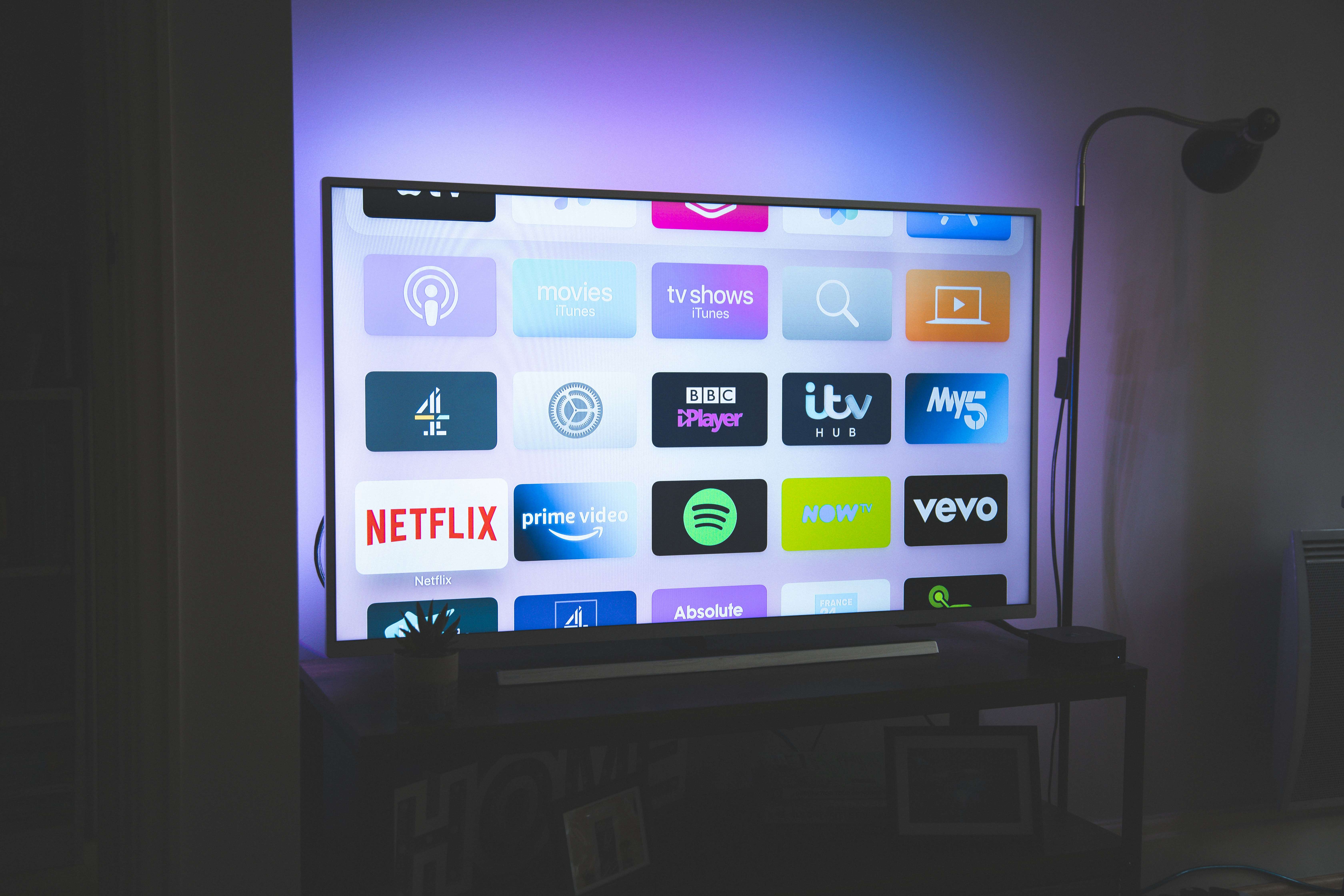
Photo by [Nicolas J Leclercq] on [Unsplash]
Related Links
How to Pack a Refrigerator
How to Pack a Washing Machine / Dryer
How to Pack Crockery, Curios, and Other Small Delicate Articles